
“This step-by-step guide explains How to use AI tools as beginner in 2026 for writing, research, planning, learning, and everyday tasks without feeling overwhelmed.“
If you are new to AI tools, the biggest problem is usually not lack of options. It is too many options.
Right now, beginners keep hearing names like ChatGPT, Claude, Gemini, ElevenLabs, and many more. Some tools help with writing. Some help with research. Some help with voice or images. Some can even assist with longer tasks and workflow support. OpenAI, Anthropic, Google, and ElevenLabs all now position their tools as more than simple chat products, which is one reason beginners often feel lost at the start.
The good news is that you do not need to learn everything at once. In fact, that is the wrong way to start.
The best way to use AI tools as a beginner is simple: start with one tool, one use case, and one real task. That is how you build confidence without getting overwhelmed.
This guide will show you exactly how to do that.
If you’re exploring AI video tools, you might have heard about Sora. Read our detailed guide on whether Sora AI is shutting down and the best alternatives available.
Why So Many Beginners Feel Confused About AI Tools
AI tools are improving very quickly. ChatGPT is positioned as an everyday assistant and writing helper, Claude is now presented as useful for writing, problem-solving, and even coding-related workflows, Gemini supports drafting and planning inside Google’s ecosystem, and ElevenLabs focuses on voice generation and voice-first assistants.
That sounds exciting, but it also creates confusion.
A beginner may ask:
- Which one should I start with?
- Do I need more than one?
- What should I even use AI for?
- How do I know if the output is good?
These are normal questions.
The mistake many beginners make is trying five tools before they understand one.
That usually leads to confusion, not progress.
What AI Tools Can Actually Help You Do
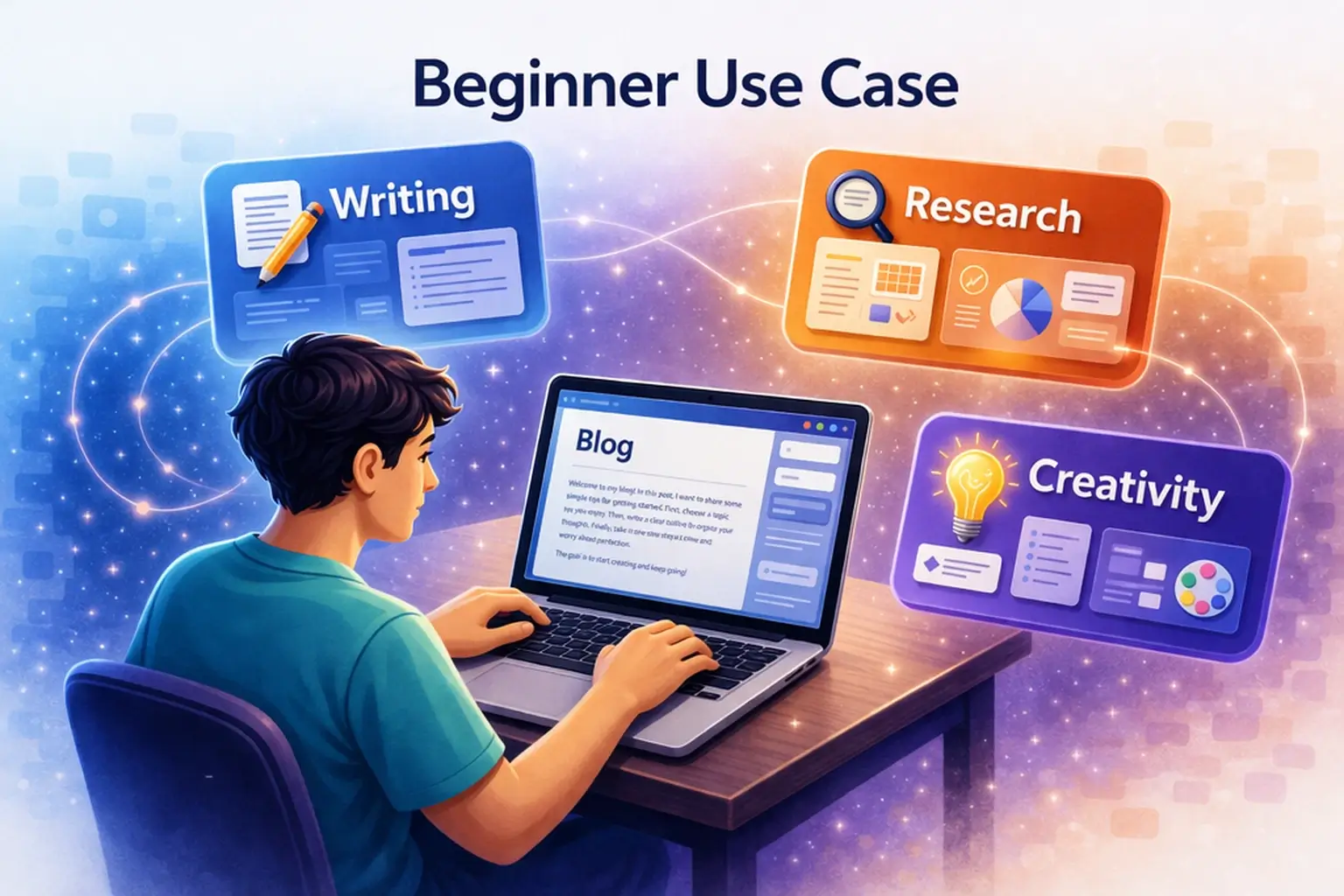
Before using any tool, it helps to understand what AI tools are actually good for.
Writing and rewriting
This is one of the easiest starting points. Tools like ChatGPT and Claude are often used for outlines, rewrites, summaries, idea generation, and clearer drafts. Grammarly also helps with grammar, spelling, clarity, and polishing text.
You can also read our detailed comparison of ChatGPT vs Claude for beginners to understand which one suits your needs better.
Research and summaries
AI tools can help you understand topics faster, summarize long notes, and compare ideas. Gemini’s and ChatGPT both support for file analysis, research-style assistance, and task support.
Planning and ideas
Beginners can use AI for daily planning, content planning, project breakdowns, study schedules, and brainstorming. This is often one of the most practical first uses because the value is easy to see.
Once you understand the basics, you can start applying AI to real workflows like planning your content. This guide shows How to create a content plan using AI.
Voice, image, and creative work
Not every beginner needs this on day one, but creative AI tools are growing fast. ElevenLabs helps with text-to-speech, voice tools, and voice agents, while ChatGPT and Gemini also helps with image and multimodal features.
The key point is simple: AI tools are not for one thing. Different tools are built for different jobs.
Students are one of the biggest beneficiaries of AI tools today. If you’re studying, check out our guide on the Best AI tools for students to improve learning, notes, and productivity.
Step 1: Start With One Tool, Not Many
This is the most important step.
Do not begin with five tools. Start with one.
If you are a complete beginner, the easiest first tools are usually:
- ChatGPT for broad everyday use
- Claude for writing and long-form help
- Gemini if you already use Google heavily
- Grammarly if editing is your main problem
This is the smart approach because you learn faster when you use one tool for real tasks instead of jumping between apps.
For most beginners, the first goal should not be “master AI.”
The first goal should be “use one tool usefully.”
Step 2: Pick the Right First Use Case
Do not start by asking, “What can this tool do?”
Start by asking, “What do I need help with right now?”
That makes everything easier.
If you want help with writing
Start with a simple task like:
- Write a blog outline
- Rewrite a paragraph
- Improve an email
- Generate headline ideas
ChatGPT and Claude are both strong here, but Claude often feels more structured for long-form writing, while ChatGPT feels broader and more flexible.
If you’re unsure which tools to start with, check out our guide on the Best AI writing tools for beginners in 2026 to explore the most useful options.
If you want help with research
Use AI to:
- Summarize notes
- Compare two ideas
- Explain a topic in simple words
- Turn long information into bullet points
This is often where beginners quickly see value.
If you want help with productivity
Try:
- Making a weekly plan
- Breaking a big task into smaller steps
- Organizing ideas
- Creating a study or work routine
If you want help with audio or creative work
If your work involves voice, narration, or faceless content, ElevenLabs can be useful for text-to-speech and voice workflows. It helps in realistic voice generation, voice design, and voice-agent tools.
The point is to choose one useful task first, not ten.
One of the most powerful uses of AI is content creation. From blog writing to social media posts, AI tools can speed up your workflow significantly. You can explore a complete step-by-step process in our guide on AI content creation for beginners.
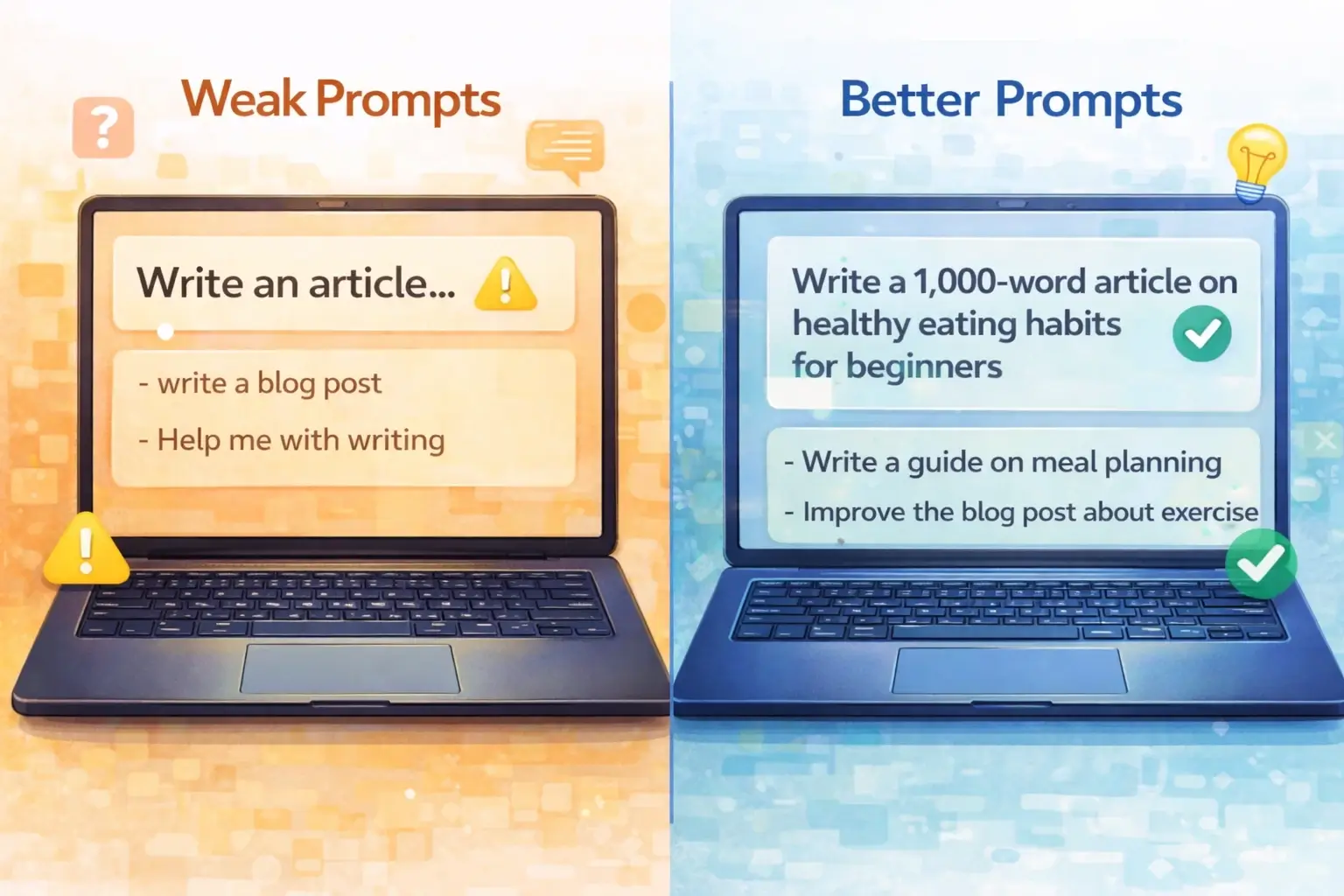
Step 3: Learn How to Ask Better Questions
A lot of beginners say AI tools are not helpful.
Many times, the real problem is the input.
If your prompt is vague, the output usually becomes weak.
For example:
Bad prompt:
“Write something about AI tools.”
Better prompt:
“Write a simple blog outline for beginners about how to use AI tools for writing and research.”
Another example:
Bad prompt:
“Improve this.”
Better prompt:
“Rewrite this paragraph in simple English and make it clearer for beginners.”
You do not need complicated prompt engineering to get started. You just need to be specific.
A simple beginner formula is:
Tell the tool:
- What you want
- Who it is for
- What format you need
- What tone you want
That alone improves output a lot.
Before mastering tools, you should learn how to write better prompts. Check our beginner guide on AI prompt writing.
Step 4: Use AI for Real Tasks, Not Just Testing
This is where real progress starts.
Many beginners waste time testing funny prompts or random questions. That can be entertaining, but it does not build useful skill.
Instead, use AI for a real task from your actual life or work.
Good beginner examples:
- Ask ChatGPT to help plan a blog post
- Ask Claude to summarize your notes
- Ask Gemini to help draft ideas in your Google workflow
- Ask Grammarly to improve a draft you already wrote
- Ask ElevenLabs to turn a script into audio for faceless content
When you use AI for real tasks, you start understanding where it actually helps and where it still needs your judgment.
That is the right way to learn.
For a deeper understanding of Claude, check our complete Claude AI review for beginners where we explain its features, pros, and limitations.
Step 5: Check and Improve the Output
This step is very important.
Do not copy and trust everything automatically.
AI can save time, but it can still make mistakes, sound generic, or miss context.
So after you get the output:
- Check if it is accurate
- Remove anything that sounds repetitive
- Improve weak lines
- Make it match your own goal
- Simplify it if needed
This is especially important for blog writing, research, and public content.
Use AI as support, not blind replacement.
Once you are comfortable with the basics of using AI tools, our guide on AI Freelancing for Beginners shows you one of the most practical and accessible ways to put those skills to work and start earning online.
Step 6: Build a Simple AI Workflow
Once you feel comfortable, do not stop at one prompt.
Build a simple workflow.
For example, a beginner blog workflow could look like this:
- Use ChatGPT for topic ideas
- Use Claude for outline or long-form draft
- Use Grammarly for grammar and clarity
- Use your own judgment to edit and publish
A beginner study workflow could look like this:
- Use Gemini or ChatGPT to explain a concept
- Ask it to simplify the explanation
- Ask for a short summary
- Turn that into revision notes
A faceless content workflow could look like this:
- Use ChatGPT or Claude to draft a script
- Edit the script manually
- Use ElevenLabs for voice generation
- Turn it into content
The exact workflow does not matter as much as this principle: Keep it simple.
You can also learn how to use AI in real life with our guide on How to use AI for daily productivity.
Common Mistakes Beginners Should Avoid
Beginners usually make the same mistakes. The good thing is that they are easy to avoid.
Trying too many tools too quickly
This creates confusion and weakens learning.
Using vague prompts
If you are unclear, the tool will also be unclear.
Expecting perfect output instantly
AI is helpful, but it still needs direction and editing.
Trusting everything without checking
Always review important output, especially for facts or public content.
Using AI only for fun and never for real tasks
You learn much faster when you use it for actual work.
If you want to specifically learn ChatGPT, check our step-by-step guide on How to use ChatGPT for beginners.
Which AI Tool Should Beginners Start With?
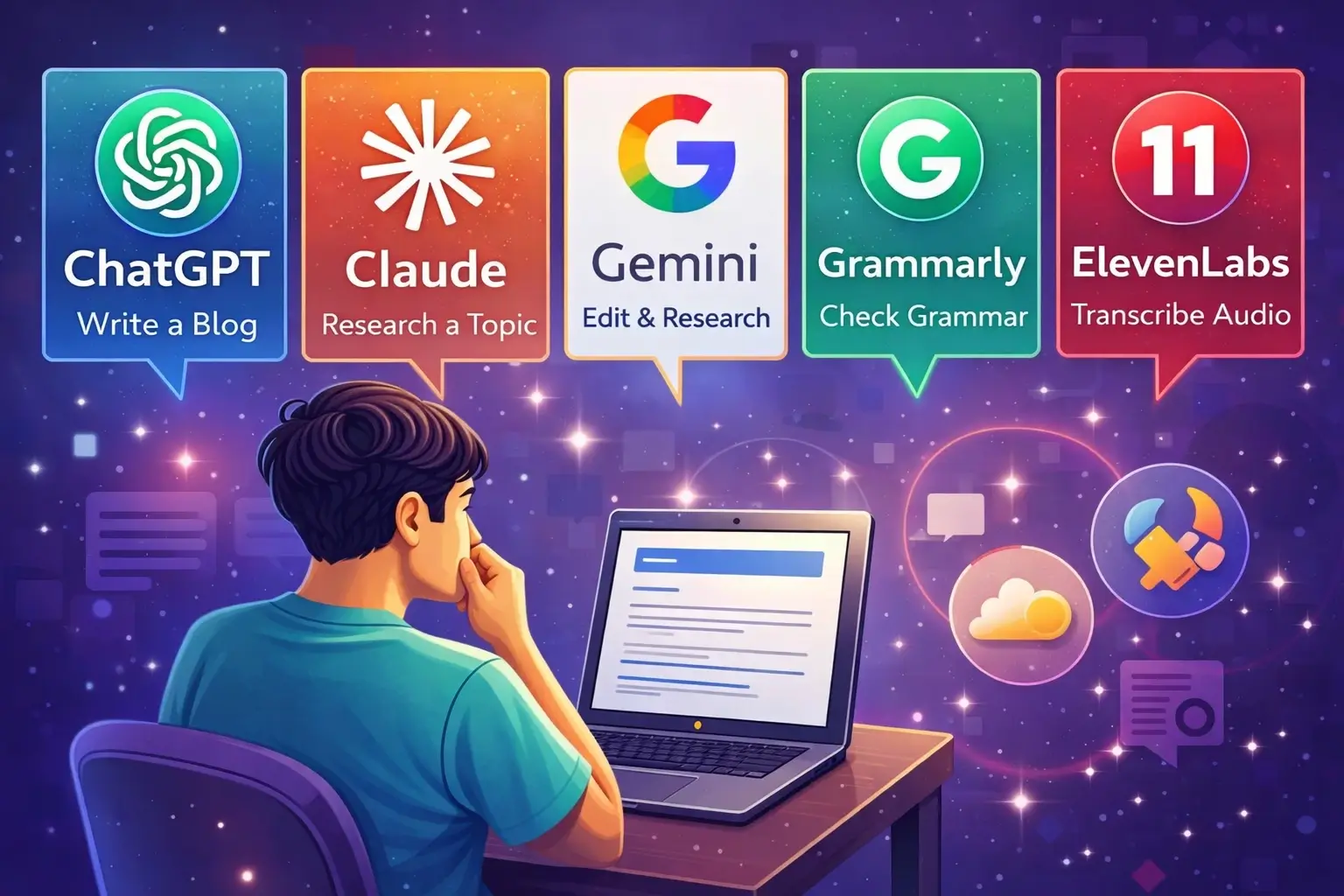
Best for general use
ChatGPT is usually the easiest broad starting point because it helps with writing, planning, ideas, summaries, and everyday tasks. OpenAI positions it exactly this way.
Best for long-form writing
Claude is a strong choice if your focus is structured writing, summaries, and longer content. Anthropic’s current positioning around writing, reasoning, and extended work supports that use.
You can also learn specific tools like Claude in our step-by-step guide on How to use Claude AI for beginners.
Best for Google users
Gemini makes sense if you already use Google products and want help with drafting, revising, and planning in that environment.
Best for editing
Grammarly is ideal if your biggest need is cleaner grammar, spelling, and clarity instead of full drafting. Grammarly’s official site still centers those strengths.
Best for voice content
ElevenLabs is one of the most relevant beginner options if you want voice generation for faceless content, narration, or audio projects.
If you are still unsure, the simplest starting path is this:
Start with ChatGPT or Claude first.
Then add another tool only when you have a clear reason.
If you’re confused between popular tools, you can also read our detailed comparison of ChatGPT vs Claude for beginners to understand which one suits your needs better.
Final Thoughts
The best way to use AI tools as a beginner is not to chase everything.
It is to start simply.
Once you have the basics down, the next question most beginners ask is how to turn these skills into income. Our guide on How to Make Money with AI in 2026 answers that question with a simple framework and honest expectations for beginners.
Choose one tool. Pick one real task. Learn how to ask better questions. Review the output carefully. Then build a small workflow around what actually helps you.
That is how beginners turn AI from a confusing trend into something useful. And that is also how you avoid wasting time.
You can also explore our list of the Best new AI tools in 2026 to discover more trending tools worth trying this year.
Frequently Asked Questions
How should a beginner start using AI tools?
The best way is to start with one tool and one real use case. Do not try to learn everything at once.
Which AI tool is easiest for beginners?
For most beginners, ChatGPT is one of the easiest starting points because it is broad and simple to use. Claude is also a strong option for writing-focused beginners.
Do beginners need more than one AI tool?
No. One tool is enough at the start. Add more only when you know why you need them.
Can beginners use AI tools for blog writing?
Yes. Many beginners use AI tools for topic ideas, outlines, rewrites, summaries, and editing. But the output should still be reviewed and improved before publishing..
What is the biggest mistake beginners make with AI?
Trying too many tools too quickly and trusting output without checking it are two of the most common mistakes.

Hi, I’m Harshil Patel, founder of Arthify.
I share simple, practical guides on AI tools, blogging, and online earning to help beginners work smarter and grow online.
My goal is to simplify AI tools so anyone can build skills and create opportunities in the digital world.