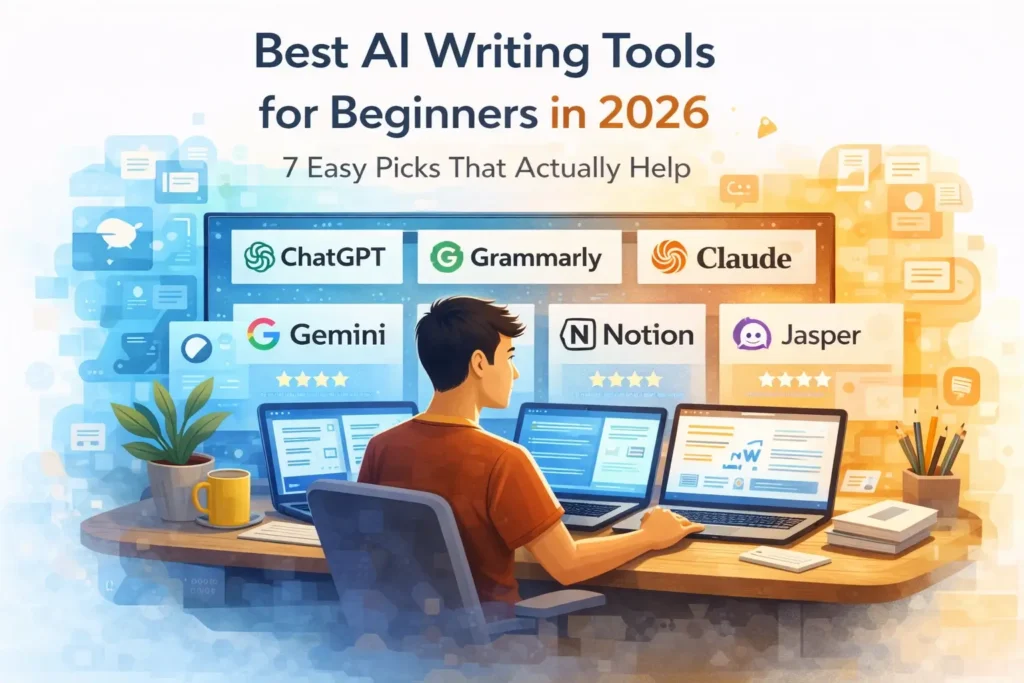
“This guide explains the best AI writing tools for beginners in 2026 and helps you choose the right one for blog writing, editing, research, and everyday content work.”
If you are new to AI writing tools, it is easy to feel confused.
There are now many tools that claim to help with writing, editing, research, grammar, blog posts, and content planning. But for beginners, the real question is not which tool has the most features. The real question is which tool is actually simple, useful, and worth starting with.
That is what this guide is for. Instead of listing random names, this article focuses on AI writing tools that beginners can realistically understand and use. Some are better for full drafting. Some are better for editing. Some are better if you already work inside a specific platform like Google or Notion. And some are better for marketing-style writing than everyday use.
The goal is not to make you try everything. The goal is to help you start with the right tool for your actual work.
Why AI Writing Tools Matter in 2026
AI writing tools are no longer just basic text generators. The current tools market is moving toward more complete writing help, including brainstorming, rewriting, structure, proofreading, document work, and workflow support. ChatGPT helps as a writing assistant that writers use for ideas, structure, and editing, Claude helps with stronger long-context reasoning and knowledge work. While Gemini helps for writing, planning, and brainstorming, and Grammarly continues to focus on grammar, clarity, and AI writing support across apps and websites.
For beginners, this is good news and bad news at the same time.
The good news is that writing help is easier to access than before. The bad news is that many people now choose tools based on hype, not fit. That usually leads to disappointment. A tool can be powerful and still be the wrong choice for your workflow.
That is why this article focuses on practical fit, not just popularity.
If you’re confused between tools, you can also check our detailed comparison of ChatGPT vs Claude for beginners.
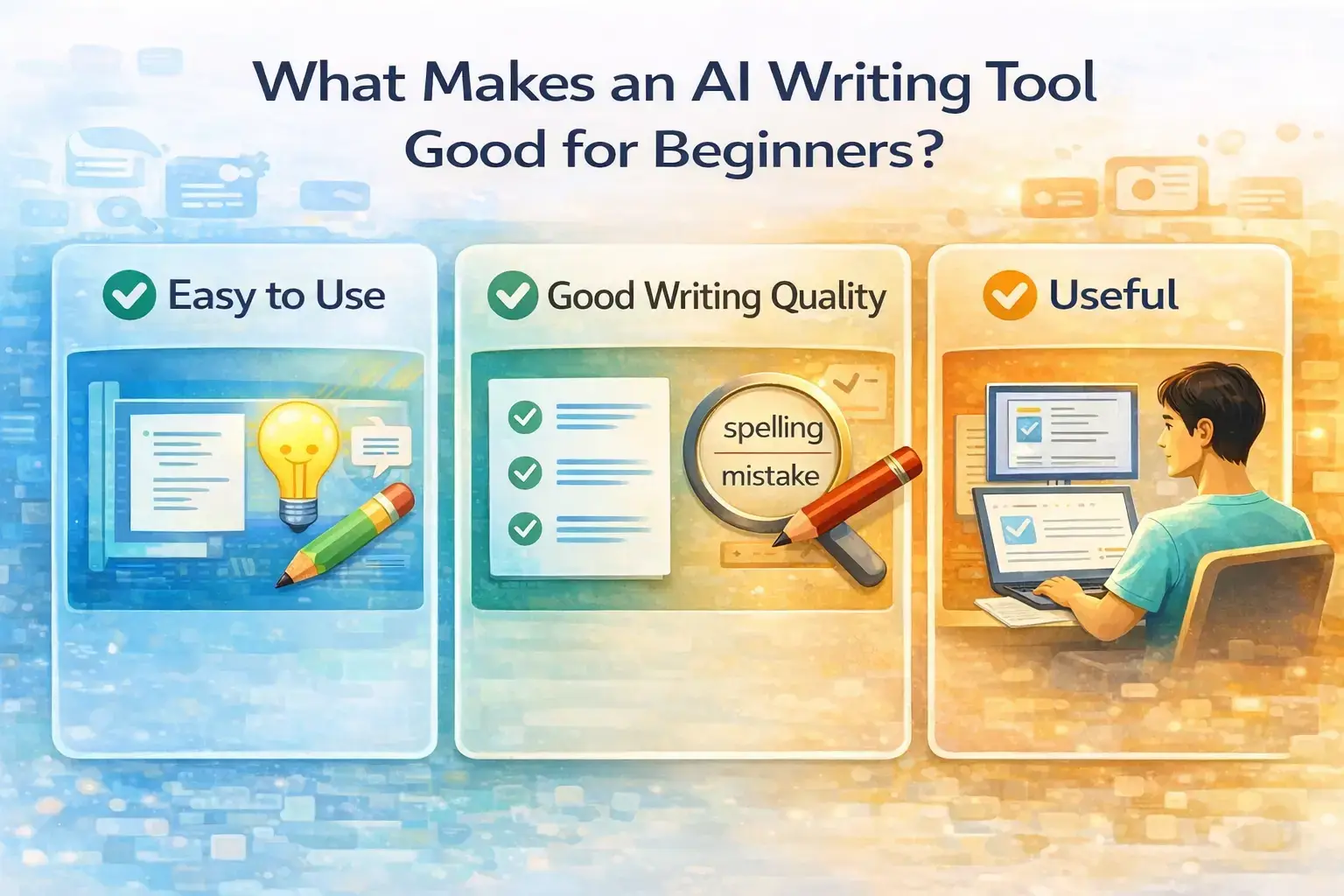
What Makes an AI Writing Tool Good for Beginners?
Easy to use
A beginner-friendly tool should feel simple from the start. You should not need complex setup just to draft an outline, rewrite a paragraph, or improve clarity.
Good writing quality
The tool should help you produce useful writing, not just long text. Clean structure, readable output, and natural phrasing matter more than raw word count.
Useful editing help
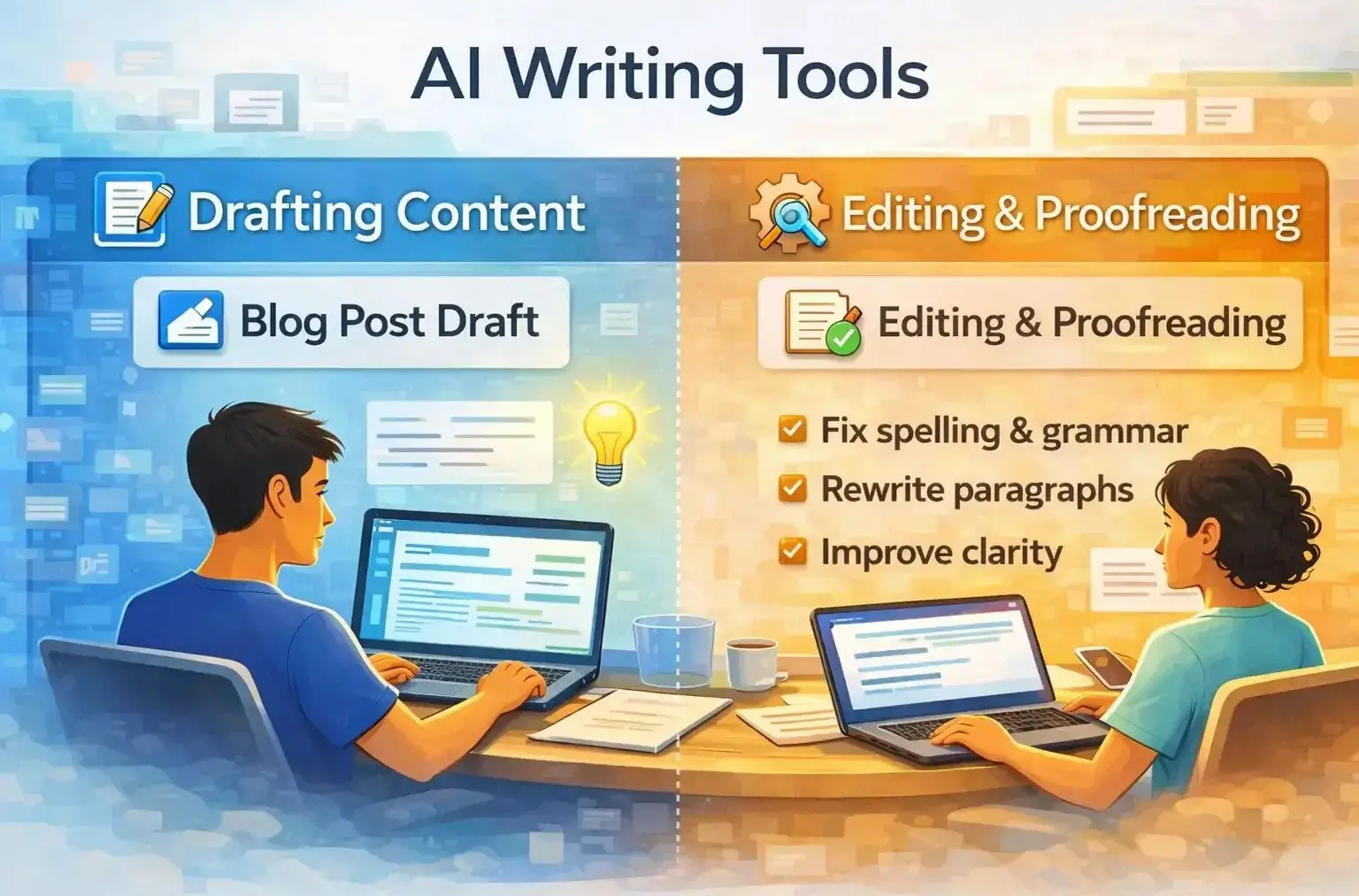
Good AI writing is not only about drafting. Beginners also need help with grammar, spelling, rewrites, tone changes, and making rough text more polished.
Fits your real workflow
The best tool for you depends on what you actually do. A blogger, student, marketer, and office worker may all need different types of writing support. That is why the “best” AI writing tool is never the same for everyone.
If you want to apply these tools in real life, read our guide on How to use AI for daily productivity.
Best AI Writing Tools for Beginners in 2026
1. ChatGPT
ChatGPT is one of the easiest places for beginners to start because it is flexible and can help with many kinds of writing. ChatGPT as a tool is very useful for brainstorming, structure, editing, and clarifying ideas. ChatGPT is for everyday use, which fits beginners who want one tool for multiple writing tasks.
For writing, ChatGPT is especially useful when you want:
- Topic ideas
- Blog outlines
- Rewrites
- Hook ideas
- Title ideas
- Quick summaries
It is not perfect, and you still need to review the output, but for general writing help it is one of the most practical starting points.
Best for: general writing, brainstorming, blog planning, everyday content work
Why beginners may like it: simple to start, flexible, works for many tasks
Watch out for: the output can become generic if your prompt is weak
If you’re planning to use ChatGPT for writing, read our complete guide on How to use ChatGPT for beginners.
2. Claude
Claude is one of the strongest options for people who care about cleaner long-form writing, better structure, and calmer output. Anthropic’s latest Claude Sonnet 5 model improved across coding, long-context reasoning, knowledge work, and design, while Opus 4.8 helps with longer and more advanced tasks. Claude is one of the best tools for writing.
You can learn it in detail in our guide on How to use Claude AI for beginners.
For beginners, Claude often feels especially good for:
- Article drafts
- Summaries
- Rewriting rough notes
- Structured explanations
- Long content support
If ChatGPT feels broader, Claude often feels more focused. That can be very useful for bloggers, writers, and anyone working with longer text. If you specifically want to understand Claude in depth, read our complete Claude AI review for beginners.
Best for: long-form writing, structured drafts, summaries, document-heavy work
Why beginners may like it: clear structure, strong flow, calm writing style
Watch out for: it may feel less broad than ChatGPT for casual all-purpose use
3. Grammarly
Grammarly is different from tools like ChatGPT and Claude because it is strongest as an editing and proofreading partner, not just a drafting tool. Grammarly writing assistance works across apps and websites, and its grammar checker and proofreader focus on grammar, spelling, punctuation, clarity, and style.
That makes Grammarly a very smart beginner tool if your biggest problem is not “I do not know what to write,” but “I need my writing to sound cleaner and more correct.”
For beginners, Grammarly is useful for:
- Fixing grammar mistakes
- Correcting spelling
- Improving sentence clarity
- Polishing emails, blog drafts, and short content
It is one of the easiest AI writing tools to understand because the value is immediate.
Best for: editing, proofreading, grammar, clarity
Why beginners may like it: simple value, easy to use, works while you write
Watch out for: it is better for polishing than for building deep long-form drafts from scratch
No matter which tool you use, prompt quality matters. Read our guide on How to write better prompts for AI.
4. Gemini
Gemini is Google’s AI assistant, and it helps for writing, planning, brainstorming, and more. Gemini is attractive for beginners who already live inside Google’s ecosystem or want a familiar environment.
For writing, Gemini can help with:
- First drafts
- Idea generation
- Summaries
- Planning content
- Quick rewrites
It may not be the first tool I would recommend for every blogger, but it makes sense for beginners who already use Google products heavily and want a writing assistant that fits into that world.
Best for: Google users, planning, drafting, everyday writing help
Why beginners may like it: familiar ecosystem, simple use cases
Watch out for: if you do not use Google tools much, its advantage becomes smaller
If you want to actually use these tools for real content, check our guide on How to use AI for content creation.
5. Notion AI
Notion AI is best for beginners who already use Notion for notes, docs, planning, or content organization. Notion AI can generate content, rewrite text, fix spelling and grammar, change tone, define words, and translate text without making you leave the workspace.
This makes Notion AI very useful for:
- Drafting notes
- Rewriting paragraphs
- Polishing internal docs
- Working on content plans
- Keeping writing and planning in one place
For bloggers and solo creators, that workflow can be very practical.
Best for: people who already write and plan inside Notion
Why beginners may like it: built into the workspace, good for editing and organizing
Watch out for: not the best choice if you do not use Notion already
Students can also benefit from these tools. Check our guide on the Best AI tools for students.
6. Jasper
Jasper is now strongly positioned as a marketing-focused AI platform. It helps with marketing workflows, brand voice control, and content scaling rather than casual everyday writing. Its brand voice features is very helpful for businesses and teams that want consistency across content.
For beginners, that means Jasper can still be useful, but it is best for a specific type of beginner:
someone who wants help with marketing copy, campaign content, or brand-style writing.
It is useful for:
- Website copy
- Campaign writing
- Brand-focused content
- Marketing teams
- Repeatable content workflows
Best for: marketers, business writing, brand voice control
Why beginners may like it: useful if your writing is already marketing-focused
Watch out for: it may be too specialized for someone who just wants a simple everyday writing tool
AI writing tools are one of the most accessible ways to start earning online as a beginner. To see exactly how, read our guide on How to Make Money with AI in 2026 which covers AI-assisted content writing as one of the fastest paths to first income.
7. Writesonic
Writesonic is a helpful tool for creating and updating content. It has built-in SEO features, helps with internal linking, adds citations, and supports a content engine. Its AI Article Writer also offers fact-checked content, verified citations, control over article length, and support for multiple languages.
That makes Writesonic especially interesting for beginners who care about blog articles, SEO-focused content, or web content rather than only short writing tasks.
If you want to use these tools for blogging, check our step-by-step guide on How to start blogging with AI.
It is useful for:
- Article drafting
- SEO content
- Content refreshes
- Internal linking support
- Structured long-form generation
Best for: SEO content, blog writing, article-first workflows
Why beginners may like it: strong blog and content focus
Watch out for: it is more content-system oriented than simple everyday writing help
These tools can help you create content, but traffic depends on strategy. Learn how in our guide on Getting blog traffic using AI.
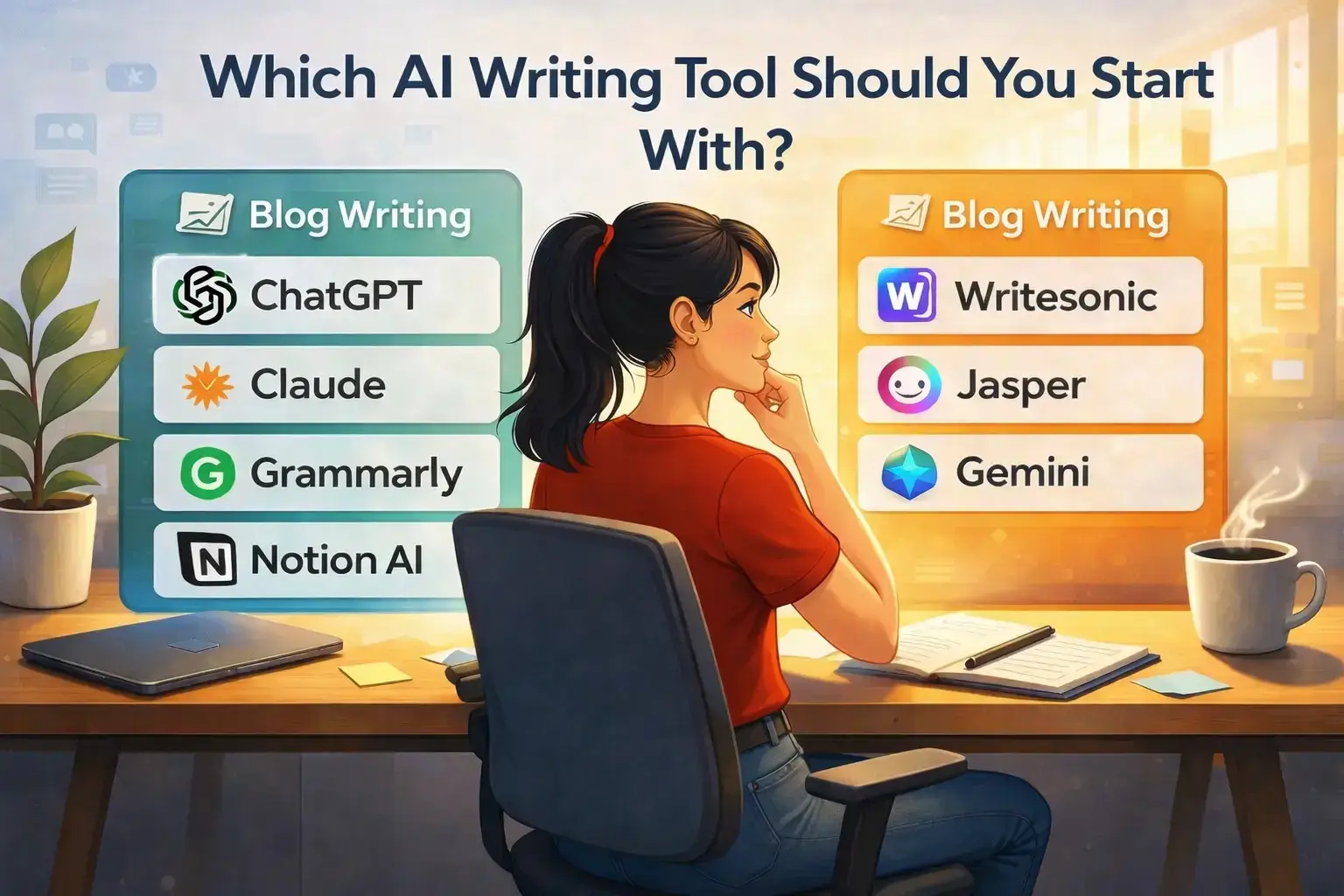
Which AI Writing Tool Should You Start With?
Best for general writing
Start with ChatGPT if you want one flexible tool for many kinds of writing.
Best for long-form writing
Start with Claude if your main goal is writing blog posts, long explanations, or structured drafts.
Best for editing
Start with Grammarly if your writing is mostly done already and you want cleaner grammar, spelling, and clarity.
Best for workspace writing
Start with Notion AI if you already write and organize content inside Notion.
Best for marketing content
Start with Jasper if your work is more about marketing copy, campaigns, and brand consistency.
Best for SEO article workflows
Start with Writesonic if your main goal is publishing blog content and improving SEO-focused writing systems.
Many of the tools covered in this guide can form the foundation of a professional freelancing income. Our guide on AI Freelancing for Beginners explains exactly how to package those tools into services that clients will pay for.
If you still feel unsure, the simplest answer is this:
Start with ChatGPT or Claude first. Then add a tool like Grammarly if you want stronger editing help. That is the easiest beginner path.
If you’re just getting started, don’t miss our Step-by-step guide on How to use AI tools as a beginner in 2026 to learn the complete process.
Final Thoughts
The best AI writing tools for beginners in 2026 are not all trying to do the same job.
Some tools are better for drafting. Some are better for editing. Some are better for planning. Some are better for long-form writing. And some are clearly built more for marketers or SEO workflows than for casual everyday use.
Once you have the right AI writing tools in place, the next step is using them to build a structured content strategy. Our guide on How to Build Topical Authority for Your Blog shows you how.
That is why the smartest move is not chasing the most talked-about name.
It is choosing the tool that matches the kind of writing you actually do.
If you want a broad starting point, ChatGPT is a strong choice. If you care more about structured long-form writing, Claude is a strong choice. If you want proofreading and polishing, Grammarly still makes a lot of sense.
You can also explore our guide on the Best new AI tools in 2026 to stay updated.
Start small, test one tool properly, and build your workflow from there.
Frequently Asked Questions
What is the best AI writing tool for beginners?
For most beginners, ChatGPT and Claude are the easiest full writing tools to start with, while Grammarly is one of the best add-on tools for editing and proofreading.
Which AI writing tool is best for blog posts?
Claude and Writesonic are both strong options for blog-related writing, but they help in different ways. Claude is strong for natural long-form writing, while Writesonic is more focused on article workflows and SEO-related content support.
Is Grammarly an AI writing tool or just a grammar checker?
It is both. Grammarly still focuses heavily on grammar, spelling, punctuation, clarity, and proofreading, but it also offers AI writing assistance and text generation features.
Is Jasper good for beginners?
It can be, but it is more useful for beginners who are doing marketing or brand-focused writing, not just casual writing.
Should beginners use many AI writing tools at once?
No. Start with one main writing tool and learn it properly. Then add another tool only if it solves a real problem in your workflow.
Which AI writing tool is best for beginners who want to write blog posts?
For most beginners, ChatGPT and Claude are the best starting points for blog writing. ChatGPT is broader and more flexible, while Claude is often better for structured long-form writing. The better choice depends on how you like to work.

Hi, I’m Harshil Patel, founder of Arthify.
I share simple, practical guides on AI tools, blogging, and online earning to help beginners work smarter and grow online.
My goal is to simplify AI tools so anyone can build skills and create opportunities in the digital world.