“This guide covers exactly what to do after first AI freelancing client says yes — the welcome message to send, what to collect before you start, how to use AI tools mid-project without it showing, and how to deliver and ask for your first review.”
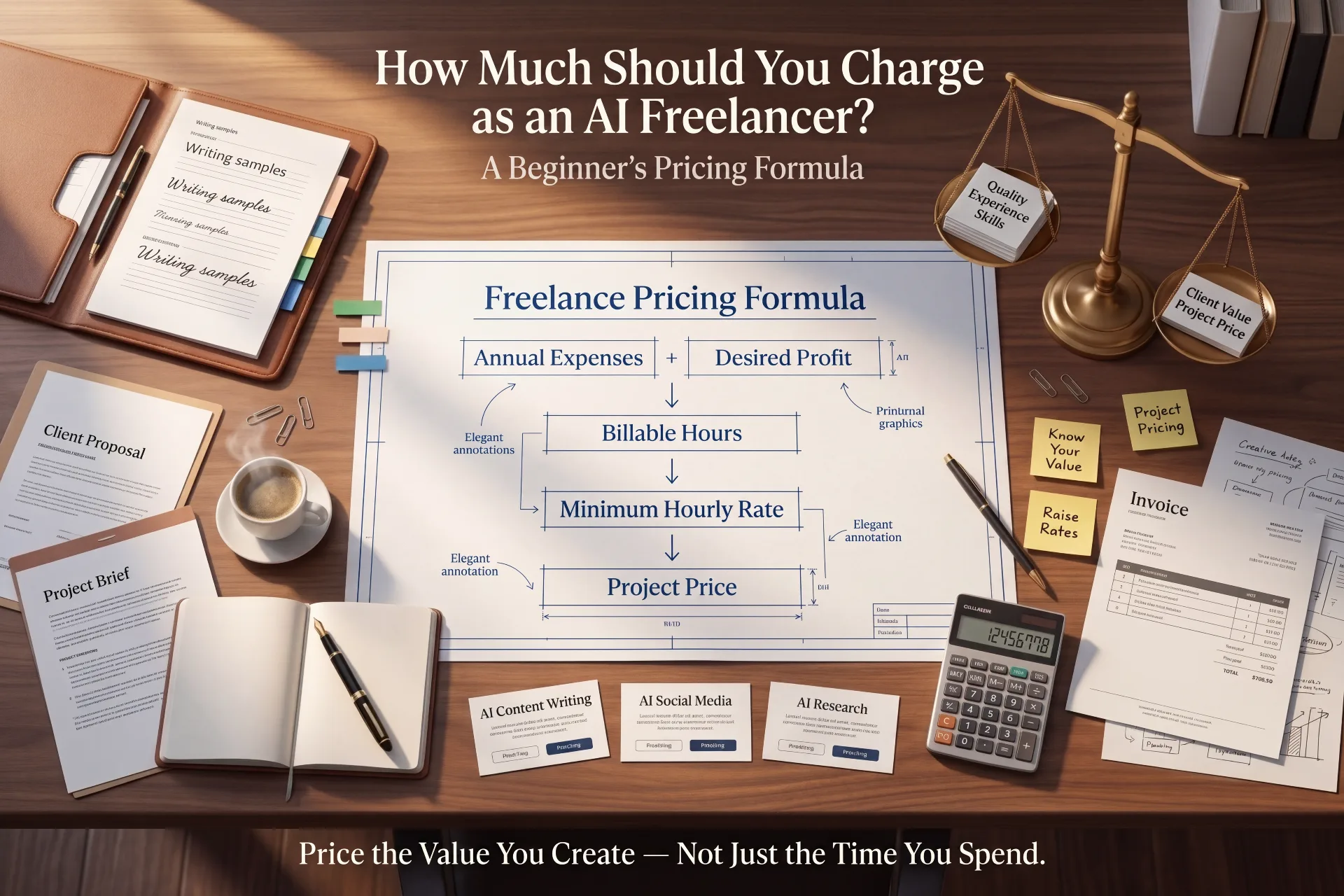
If you have already read our guides on How to Get Your First AI Freelancing Client and How Much to Charge as an AI Freelancer, you have already handled the client-acquisition and pricing stages. This guide picks up exactly where those leave off — hour by hour, from ‘yes’ to delivered.
Why the First 48 Hours Matter
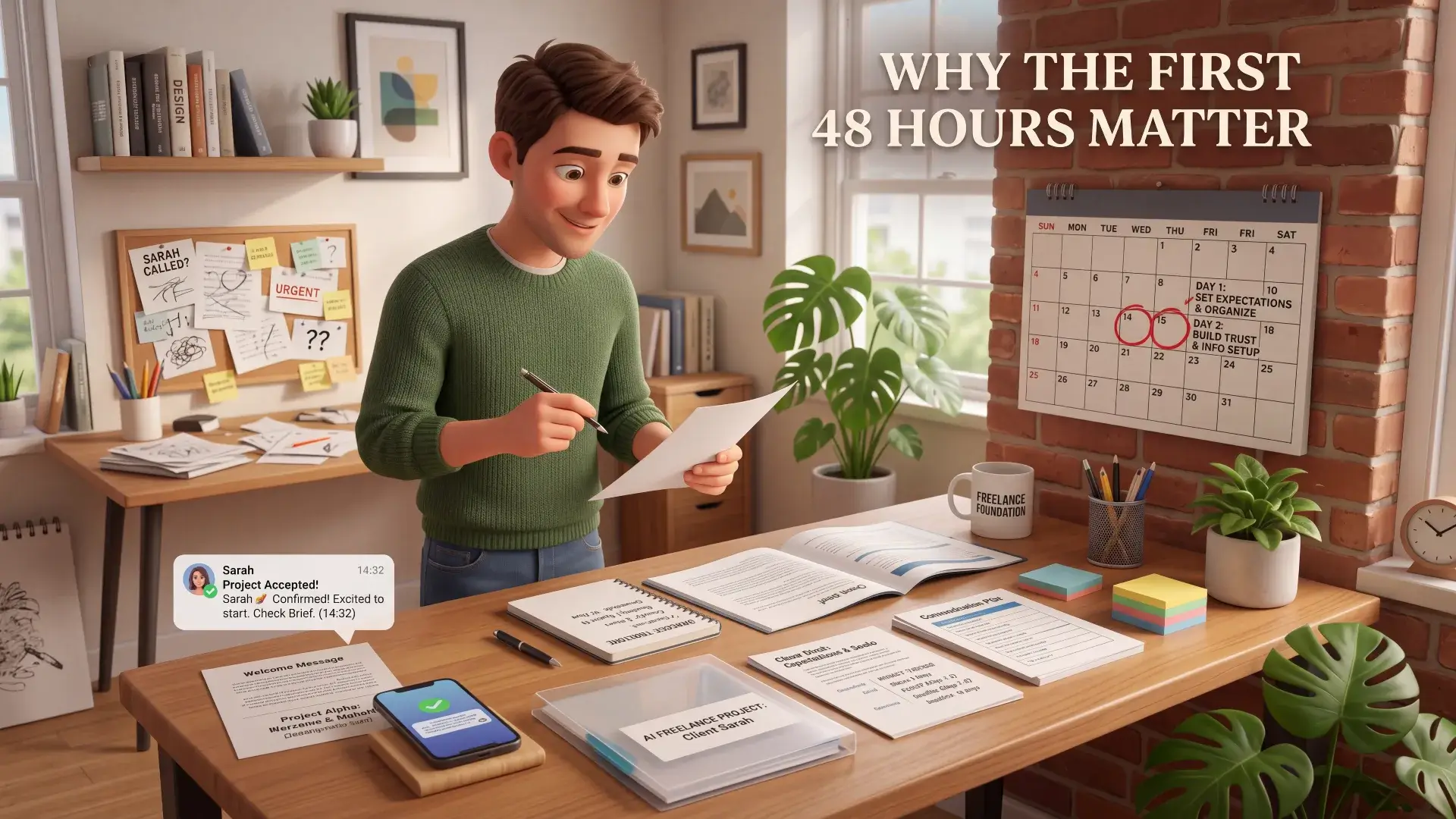
The excitement of a client saying yes fades fast once a new, quieter fear sets in — “okay, now what do I actually do?” This is the moment most beginner guides skip entirely, jumping straight from “get the client” to “here is your five-star review,” as if the actual work in between takes care of itself.
The first day or two establishes the client’s expectations about how you communicate, organize the work, and handle deadlines — before any actual work has even been delivered. A client who receives a clear, organized welcome message within a few hours starts the project trusting you. A client who hears nothing for two days may start wondering what happens next, especially when they are working with you for the first time.
Step 1: Send a Welcome Message Within a Few Hours
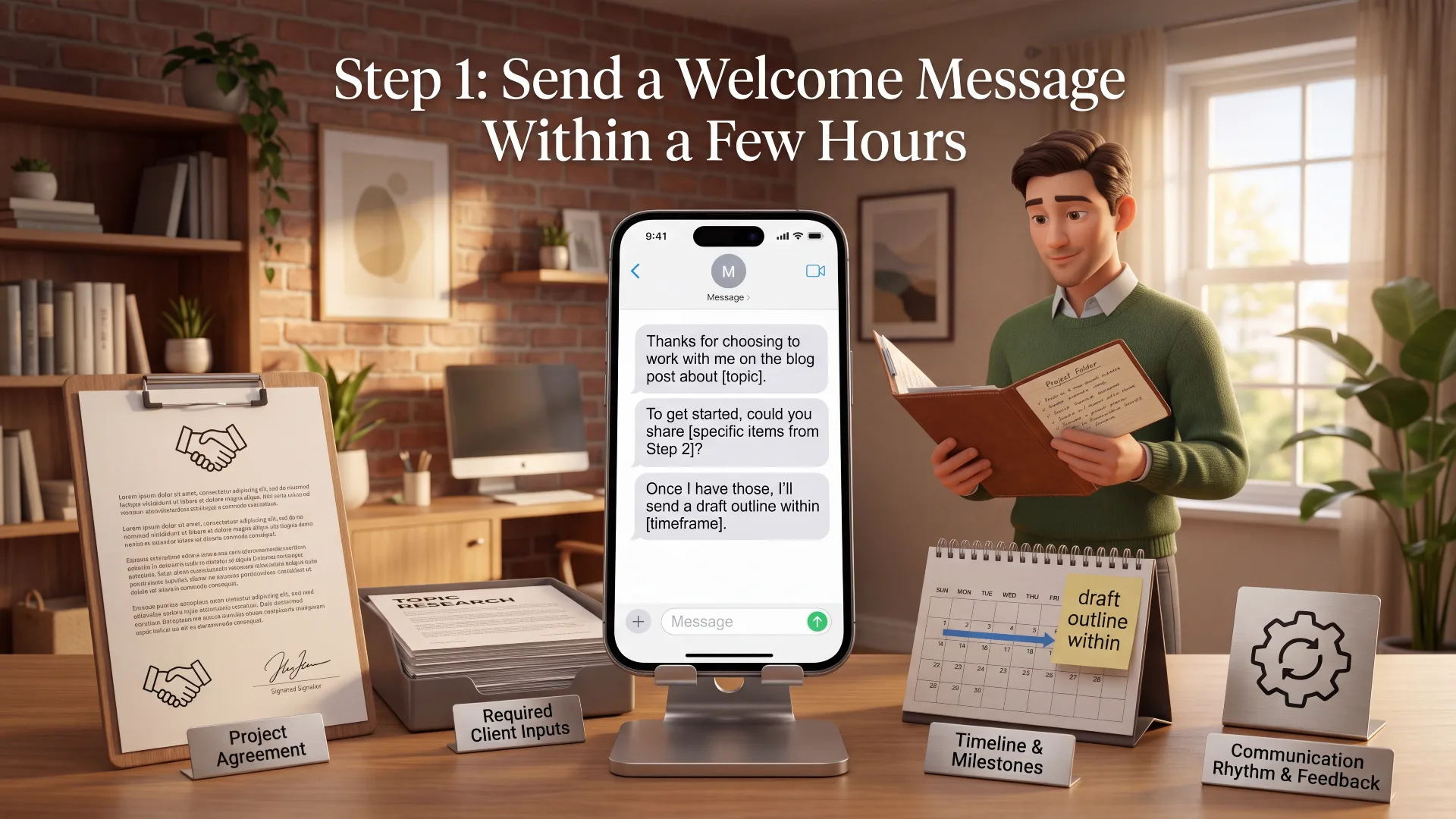
Do not wait until you feel “ready” to message the client. Send a short, organized welcome message the same day they say yes. It does not need to be long — it needs to be fast and clear.
A welcome message that works covers four things:
- Confirm the project and what you understood the deliverable to be, in your own words
- Tell them exactly what you need from them to get started (covered in Step 2)
- State your expected timeline or first checkpoint
- Tell them how and how often you will communicate
Choose a timeline you can comfortably meet rather than promising the fastest possible turnaround. Reliability matters more than speed, especially on your very first project with someone.
Welcome message template:
“Thanks for choosing to work with me on the blog post about [topic]. To get started, could you share [specific items from Step 2]? Once I have those, I’ll send a draft outline within [timeframe] before writing the full piece. I’ll check in at each stage so you’re never wondering where things stand.”
This single message does more to establish professionalism than anything else in this guide — it costs five minutes and immediately separates you from beginners who go quiet after winning the project.
Step 2: Collect What You Actually Need Before You Start
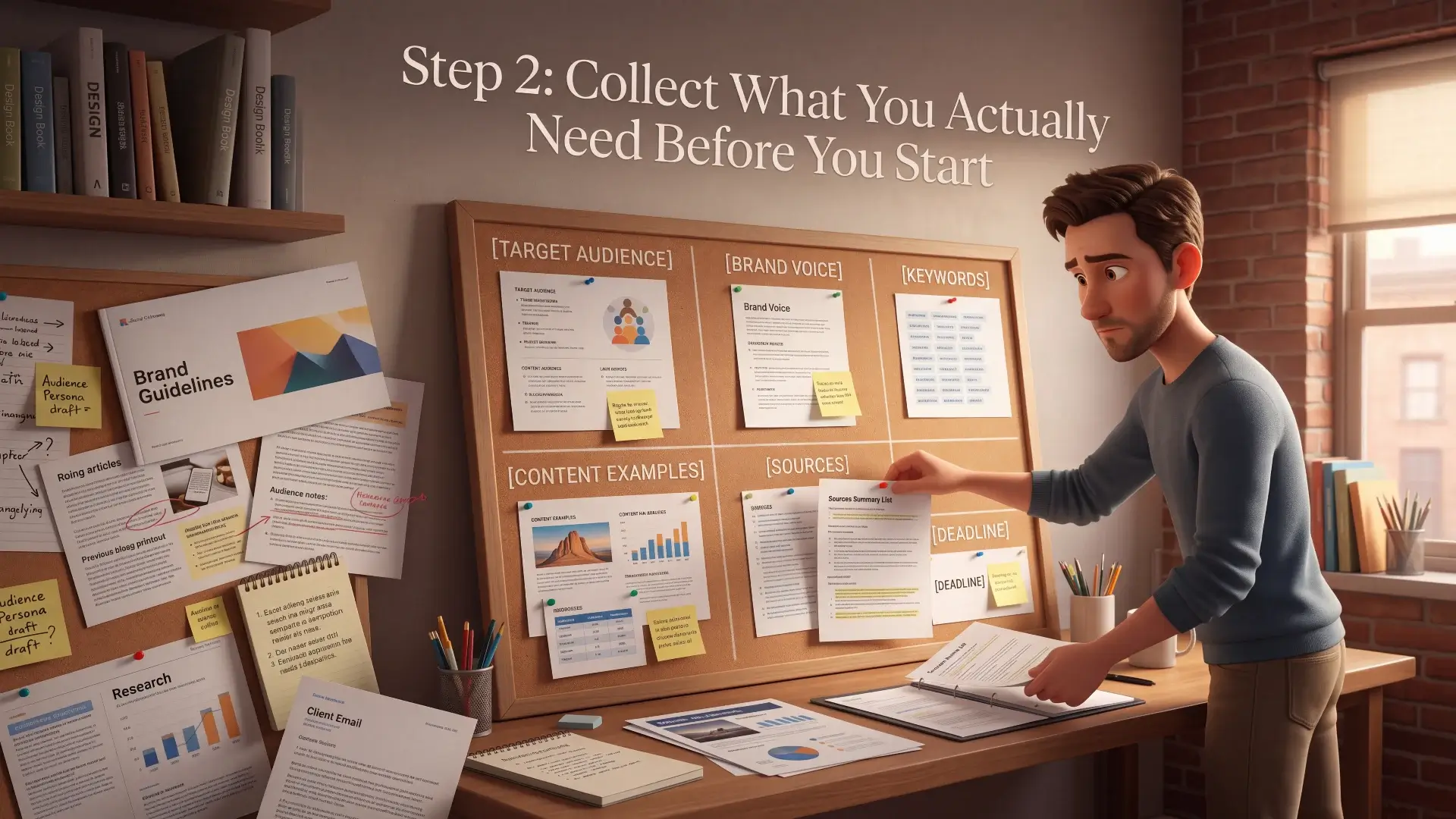
This step matters even more for an AI-assisted freelancer than a traditional one, because good AI output depends entirely on the context you feed it.
What to Collect Before You Start
Ask for these three things in your welcome message
Project Details
- The full brief in writing, not just a chat message
- Target audience and who the work is really for
- Tone and style preferences, with an example if possible
Assets & Materials
- Logos, brand colors, or a style guide if one exists
- Past content or examples they already like
- Any images, data, or files the work depends on
Access & Logistics
- Login access to any tool the work requires
- Preferred channel for updates and questions
- Who has final sign-off on the work
What to Collect for AI Content Writing
- The client’s target audience in one sentence — who is actually going to read this
- Any existing content from their site or blog, so you can match tone and voice instead of guessing
- A word count or length expectation
- Any keywords, topics, or specific points they want covered
- Examples of content they like, from anywhere, even competitors
- Preferred sources, or any sources the client specifically does not want used — important for keeping AI-assisted research within their boundaries
What to Collect for AI Social Media Content
- Brand assets — logo, colors, fonts, any existing brand guidelines
- Examples of past posts, or accounts they admire, to establish visual and tonal direction
- Their posting platforms and frequency expectations
- Any upcoming promotions, launches, or dates the content needs to align with
- Whether they want to approve captions before scheduling or publishing
What to Collect for AI Research and Summarization
- The exact business decision the research needs to support — research without a clear purpose produces a report nobody uses
- Any existing research, reports, or data they already have, so you are not duplicating work
- The format they expect the final output in — a document, a slide deck, a simple summary
- Whether sources need to be cited in the final report
None of these inputs are optional extras — they are what makes the difference between AI-assisted output that sounds generic and one that sounds like it was made specifically for this client. Our guide on How to Write Better Prompts for AI covers how to turn these collected inputs into prompts that actually produce client-ready first drafts.
Step 3: Confirm Scope Before You Touch a Single AI Tool
Before generating a single word, confirm in writing what is included and what is not. This is not about distrust — it is about preventing the single most common cause of beginner freelancing stress: scope creep.
7 things to confirm first
Confirm these five things before starting substantive work:
- The exact deliverable
- Word count, quantity, or size of the project
- The deadline
- The number of revision rounds included
- The delivery format
If the client asks for something beyond this later, that is not a failure on your part — it is simply a new conversation about additional scope, exactly as covered in How Much to Charge as an AI Freelancer.
One more thing worth confirming before you begin: that the project is actually ready to start, not just agreed to. If the project came through Fiverr or Upwork, follow that platform’s current order, payment, and messaging rules before beginning work. For a direct client outside a platform, confirm whatever payment arrangement you agreed to before doing substantial unpaid work.
Step 4: Break the Project Into Milestones

Even a simple project benefits from being broken into visible checkpoints rather than disappearing for days and reappearing with a finished file. For most beginner AI freelancing services, three checkpoints are enough:
- Checkpoint 1 — confirm you have everything needed and share a brief outline or plan
- Checkpoint 2 — share a first draft or in-progress version for early feedback
- Checkpoint 3 — final delivery
This structure does two things. It gives the client visible proof of progress, which builds confidence in someone they have never worked with before. And it catches misunderstandings early, at the outline stage, rather than after you have spent hours on a full draft that misses the mark.
Step 5: Use AI Without Letting AI Become the Deliverable

This is the section that matters most in this entire guide, and it is the one place where being an AI freelancer genuinely changes how you work compared to a traditional freelancer.
The AI Refinement Funnel
How a draft becomes a deliverable a client actually pays for
Get the AI draft
A fast first pass — never the final answer
Check for genericness
Flag any line that could apply to any client
Verify every fact
Numbers, names, and claims — checked by you
Add your specific insight
The one detail only you know about this client
Final polish and send
Now it reads like it was written just for them
The client is not paying you because you have access to ChatGPT or Claude. They are paying for a finished, accurate, polished result — and AI is the tool you use to get there faster, not the thing you hand over.
The workflow that actually works:
- Feed the AI tool everything you collected in Step 2 — the more specific context, the less generic the output
- Treat the first AI draft as a starting point, never a finished piece
- Read every sentence and ask whether it sounds like it was written specifically for this client, or whether it could apply to anyone — rewrite anything that fails that test
- Verify every fact, statistic, or claim independently before it goes anywhere near the client
- Add specific insights or examples grounded in the client’s actual business, audience, or source material
Clients can often tell the difference between lightly edited AI output and work that has been genuinely shaped, checked, and refined by a professional. This step is where that difference gets made.
Step 6: Communicate Without Over-Communicating
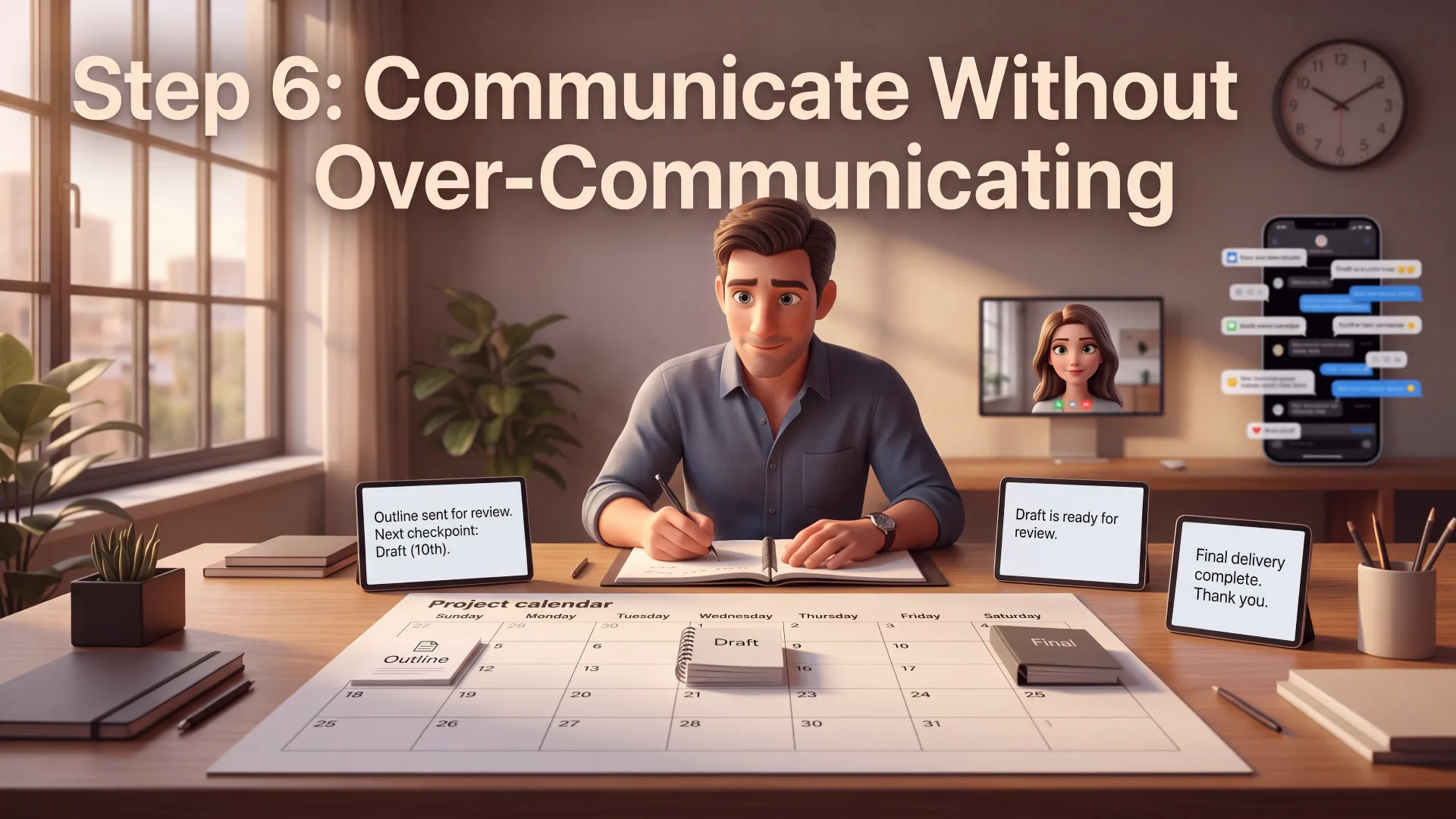
Many beginners swing to one of two extremes — going silent for days because they have nothing “finished” to show, or messaging so frequently that it feels like noise rather than progress.
The right rhythm: a brief update at each milestone from Step 4, plus immediate communication if anything changes — a delay, a question, an unexpected issue. Do not wait to raise a problem hoping it resolves itself. Clients handle unexpected news far better when it arrives early with a proposed solution than when it arrives late as an excuse.
Step 7: Handle Revisions Like a Professional, Not a Beginner

Revisions are a normal part of every project, not a sign that something went wrong. How you respond to feedback matters more than the feedback itself.
- Read revision requests fully before responding, and confirm you understand what is being asked before making changes
- Distinguish between a revision within your agreed scope and a new request — using the same scope-boundary approach from How Much to Charge as an AI Freelancer
- Never respond defensively to feedback, even feedback that feels unfair — a calm, professional response protects the relationship more than being right does
A quick way to tell the difference: “Can you make the introduction shorter and more direct?” is an included revision — it refines what was already agreed. “Can you also add five social posts promoting this article?” is new scope — it is additional work beyond the original deliverable, and worth a short, kind note about pricing it separately.
Step 8: Deliver the Project Properly

Never send a finished file with no context, as though the project simply ended. A proper delivery message includes:
- What you are delivering and confirmation it matches the agreed scope
- Any decisions you made along the way that the client should know about
- Where to find the file and in what format
- An invitation for feedback, and a reminder of how many revision rounds remain if relevant
Delivery message template:
“Hi [Name], the [project] is ready. I’ve included [deliverables] and [briefly mention any relevant research or optimization you did]. Please review it and let me know if you’d like any adjustments within the agreed revision scope. Thanks for the opportunity — I really enjoyed working on this.”
Use a clear, professional file name and version label — something like “ClientName_BlogPost_Final” rather than “final_final2_REALFINAL” — and deliver in the exact format agreed with the client. Small details like this quietly reinforce everything else you have done right so far.
Step 9: Ask for the Review
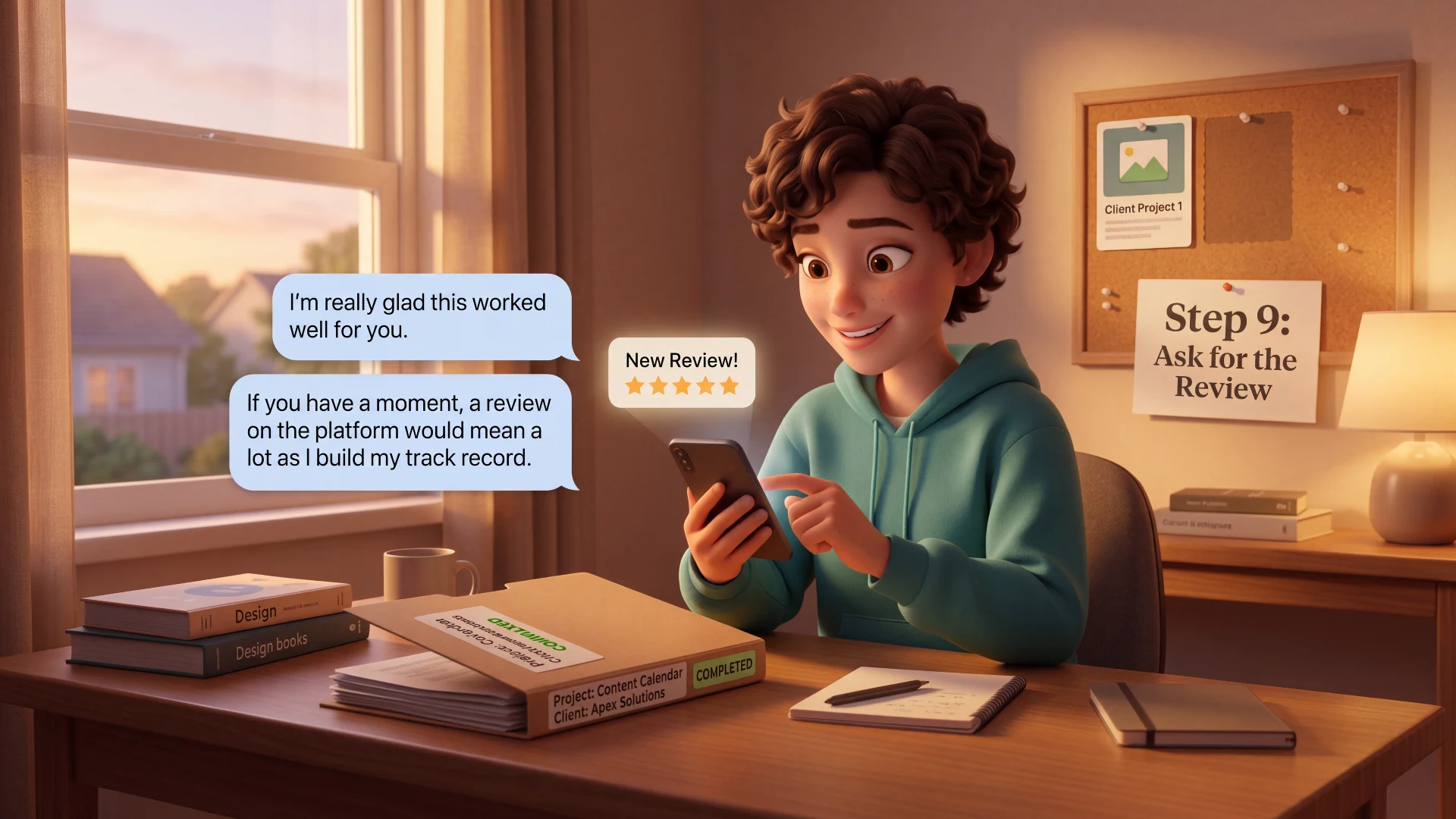
Once the client confirms they are satisfied, ask directly and specifically for a review — asking at the right time is one of the most effective ways to build your first track record on Fiverr or Upwork.
Review request template:
“I’m really glad this worked well for you. If you have a moment, a review on the platform would mean a lot as I build my track record — thank you again for the opportunity.”
That review becomes social proof you can use to strengthen your reputation and, where the platform permits, your future positioning. Our guide on How to Build an AI Freelancing Portfolio With No Experience covers how to fold real client work into your portfolio once you have permission to share it.
Mistakes That Make Beginners Look Like Beginners

- Going silent after winning the project — the excitement of landing a client does not excuse days of no communication while you figure out what to do
- Starting work before confirming scope — this is the single biggest cause of unpaid extra work and frustrated clients
- Generating AI output and sending it with minimal review — clients often notice, even when they cannot articulate why something feels generic
- Disappearing between milestones instead of sending brief progress updates
- Delivering the final file with no message, context, or invitation for feedback
- Forgetting to ask for a review once the client is genuinely satisfied
Final Thoughts

Getting your first client proves you can sell your service. What you do in the days after is what proves you can actually run one. A fast welcome message, a short list of the right inputs collected upfront, milestones instead of silence, AI used as a starting point rather than a finished answer, and a proper close with a review request — that is the entire system, and none of it requires experience you do not already have.
Once you have delivered successfully, received positive feedback, and understand what the client might need on an ongoing basis, a new opportunity opens up — turning a one-time project into repeat work rather than starting from zero again with a new client every time.
If you have not yet found your first client or figured out your pricing, our guides on How to Get Your First AI Freelancing Client and How Much to Charge as an AI Freelancer cover those stages in full detail. And for the complete roadmap this guide fits into, our pillar article AI Freelancing for Beginners ties every stage together.
Frequently Asked Questions
What should I send a client right after they agree to work with me?
Send a short welcome message within a few hours confirming the project, listing exactly what you need from them to get started, stating your expected timeline, and explaining how you will communicate. This single message sets the tone for the entire project and takes only a few minutes to write.
What information should I collect before starting an AI freelancing project?
It depends on the service, but generally: for content writing, the target audience, existing content for tone reference, and specific points to cover. For social media, brand assets and examples of preferred style. For research, the exact decision the research needs to support and the expected output format. Collecting this before starting prevents generic AI output and wasted revisions.
Should I start working immediately after a client accepts my proposal?
Confirm the project is actually ready to begin first, not just agreed to. If the project came through Fiverr or Upwork, follow that platform’s current order and payment rules before starting. For a direct client, confirm your payment arrangement before doing substantial unpaid work.
How do I use AI tools without the client noticing the work feels generic?
Feed the AI tool specific context collected from the client rather than a generic prompt, treat the first draft as a starting point rather than a finished piece, rewrite anything that could apply to any client rather than this specific one, and add insights or examples grounded in the client’s actual business or source material.
How often should I communicate with a client during a project?
Update the client at each project milestone rather than going silent between a kickoff message and final delivery, and communicate immediately if anything unexpected comes up rather than waiting. Avoid messaging so frequently that updates feel like noise rather than genuine progress.
How should I handle revisions that go beyond the original scope?
Distinguish between a revision within your original agreement and a genuinely new request. A request like “make the introduction shorter” is an included revision. A request like “also add five social posts” is new scope. Note new requests kindly as additional work rather than absorbing them for free.
When should I ask a client for a review?
Ask directly once the client has confirmed they are satisfied with the final delivery, not before. A short, specific request — thanking them and explaining that a review helps you build your track record — converts most satisfied clients into a review, since most will not leave one unprompted.

Hi, I’m Harshil Patel, founder of Arthify.
I share simple, practical guides on AI tools, blogging, and online earning to help beginners work smarter and grow online.
My goal is to simplify AI tools so anyone can build skills and create opportunities in the digital world.